
Tune the mood. Frame a new look.
Explore live camera effects and artistic looks for photos and videos.
Download on the App StoreIn-app purchases available.
A familiar scene. A different look.
Explore the effects and compare the preview before capturing.
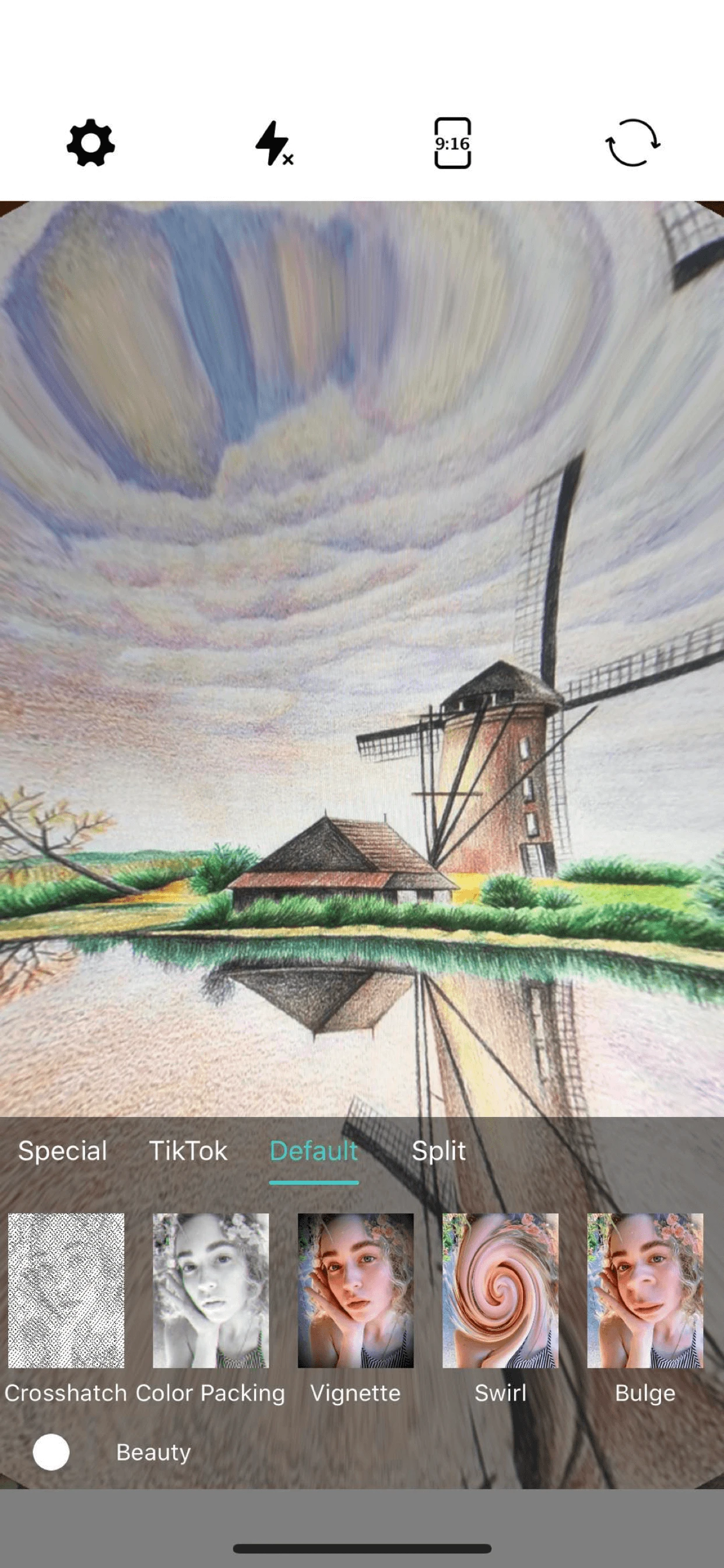
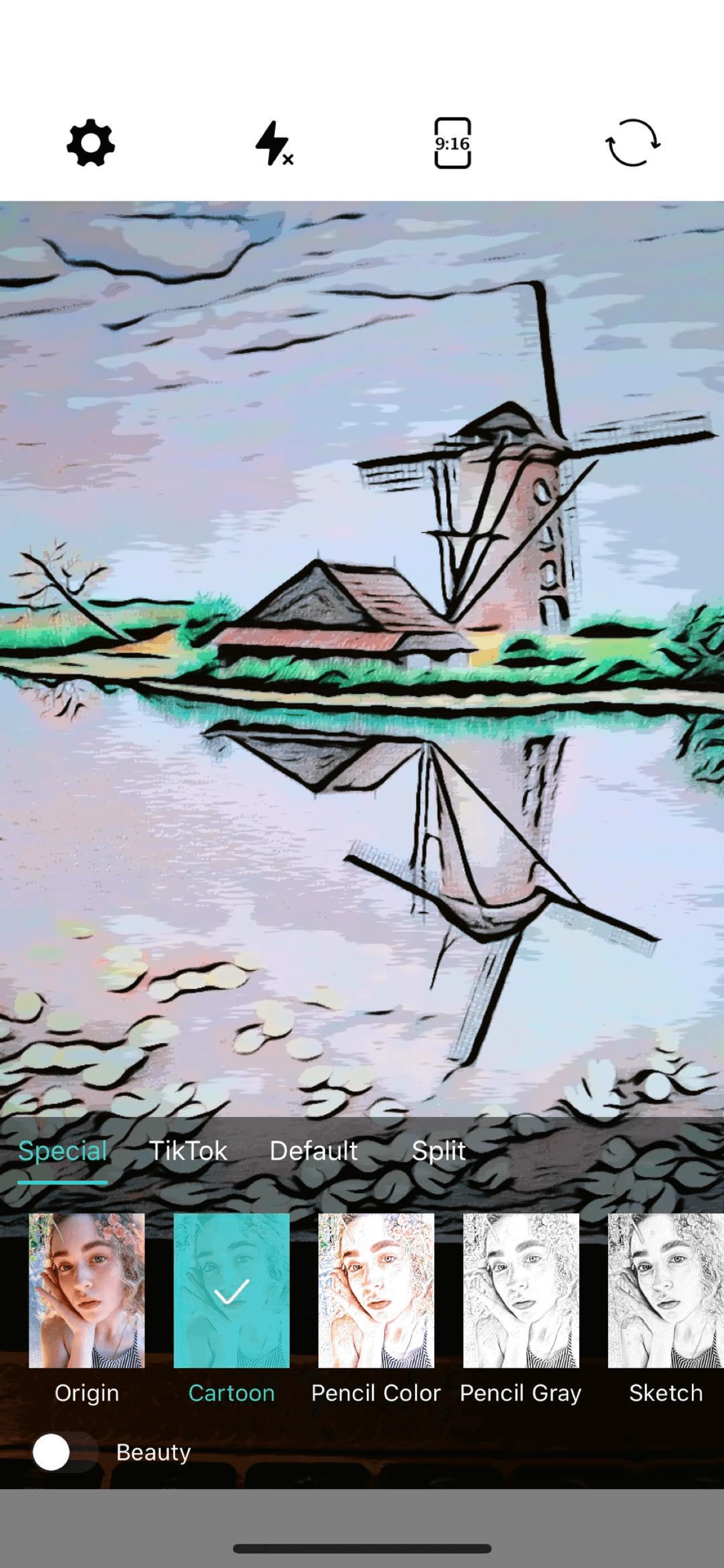
Let the scene lead.
Choose a scene
Frame a scene you have permission to capture.
Explore a look
Compare the available effects and filter choices.
Review your capture
Check the subject, color and motion before sharing.
Current App Store screenshots. Results vary.
Try a short sample.
Compare a few looks in your own scene. Review faces, edges and motion before sharing.
Explore the camera guidesStart with the scene around you.
Before your next scene.
Need help? Visit Support.
Do effects look the same in every scene?
No. Lighting, movement and the selected effect can change the result. Compare the preview and review your capture.
Does Effects Camera include purchases?
Some features require an in-app purchase. Review the current offer and regional pricing in the app before purchasing.
Can I use the camera on this website?
Capture photos and videos in the Effects Camera app. This website provides product information, guides and support and does not access your camera.